Claude Cowork Explained: Your AI Desktop Assistant
Claude Cowork is Anthropic’s new AI desktop assistant that can see your screen, manage files, and complete multi-step tasks while you supervise. Unlike traditional chatbots that only process text, Cowork operates directly on your computer—organizing folders, editing documents, and navigating applications just like a human colleague would.
Announced alongside Claude Code in January 2026, Cowork represents a fundamental shift in how knowledge workers interact with AI. According to Anthropic, early users report completing research and administrative tasks in a fraction of the time, with the AI handling the mechanical work while humans focus on judgment calls and creative decisions.
What Is Claude Cowork?
Claude Cowork is an agentic AI assistant that runs on your desktop and can interact with your computer the way you do. It uses Anthropic’s “computer use” capability to see your screen, move the mouse, click buttons, and type—all under your supervision.
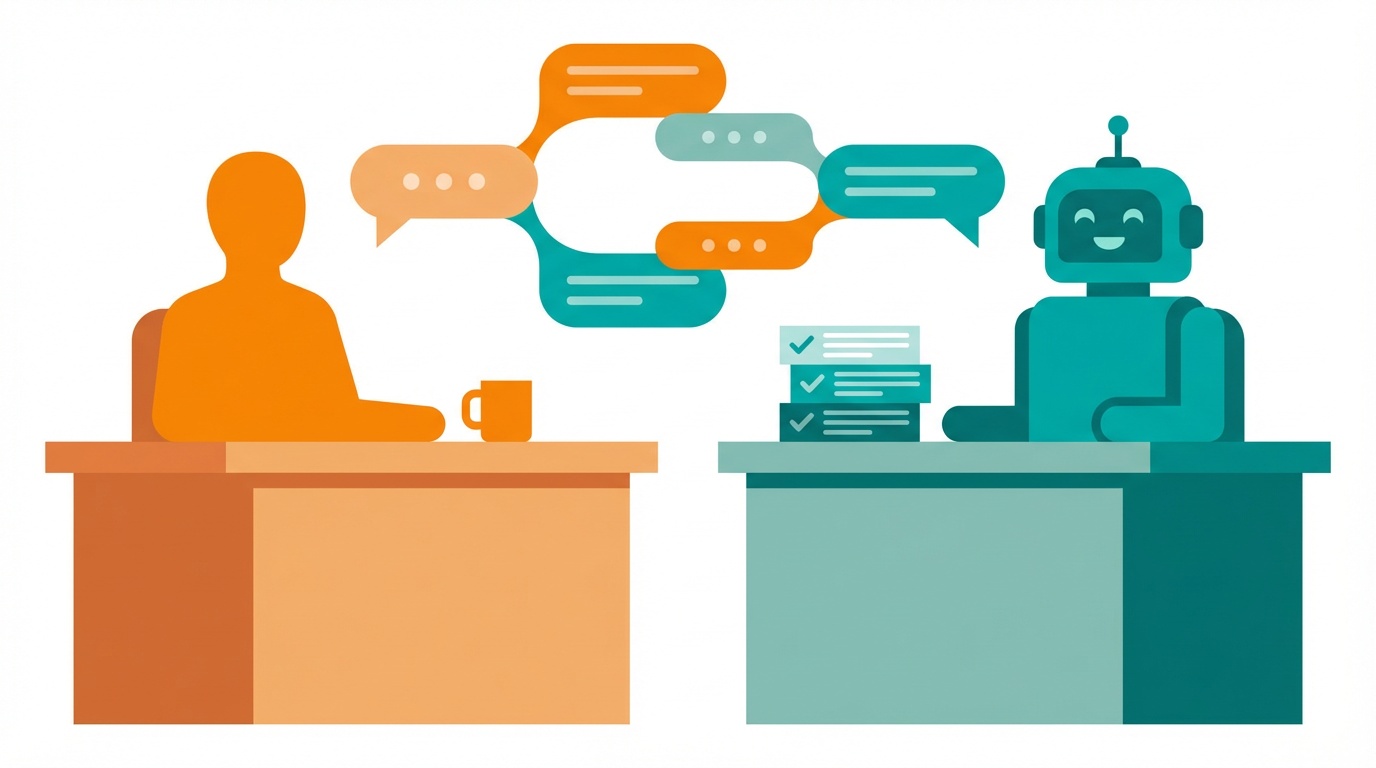
Think of it as having a highly capable intern sitting next to you. You give them a task (“Find all the Q4 reports in my downloads folder and organize them by client”), and they handle the execution while you watch and course-correct as needed.
Key capabilities:
- File management: Create, move, rename, and organize files across folders
- Document editing: Open applications, make changes, and save documents
- Research tasks: Browse the web, extract information, and compile findings
- Multi-step workflows: Chain together complex sequences of actions
- Real-time supervision: You watch everything happen and can intervene anytime
Simple Definition: Claude Cowork is an AI that can use your computer to complete tasks, with you watching and guiding the process.
How Cowork Differs from Chat and Code
Anthropic now offers three distinct ways to interact with Claude, each designed for different use cases:
| Feature | Claude Chat | Claude Cowork | Claude Code |
|---|---|---|---|
| Primary use | Conversations & Q&A | Desktop task automation | Software development |
| Interface | Web/mobile chat | Desktop app with screen view | Terminal/IDE |
| Computer control | None | Full (mouse, keyboard, files) | File system only |
| Target user | Everyone | Knowledge workers | Developers |
| Supervision style | Read responses | Watch actions live | Review code changes |
| Typical task | ”Explain this concept" | "Organize my downloads" | "Build this feature” |
The key distinction: Chat is for thinking with AI. Cowork is for delegating to AI. Code is for building with AI.
Cowork fills a gap that many professionals have felt—you want AI help with tedious computer tasks, but you don’t want to give up control or learn programming. Cowork lets you delegate while staying in the loop.
Why Cowork Matters Now
Three converging trends make Cowork’s arrival significant:
1. Agentic AI Has Matured
The industry has moved from AI that generates text to AI that takes action. OpenAI’s Operator, Google’s Project Mariner, and now Anthropic’s Cowork all represent this shift toward autonomous agents. Gartner predicts that by 2028, 33% of enterprise software applications will include agentic AI, up from less than 1% in 2024.
2. Knowledge Work Is Drowning in Admin
Studies consistently show that knowledge workers spend 60% or more of their time on “work about work”—administrative tasks, file management, searching for information, and coordinating activities. Cowork directly targets this productivity drain.
3. Trust Requires Transparency
Unlike fully autonomous agents that work in the background, Cowork’s “human-in-the-loop” design addresses the trust problem. You see every action, can pause or redirect at any moment, and never lose control. This supervised approach makes AI assistance practical for sensitive work where blind automation isn’t acceptable.
| Trend | Impact on Cowork Adoption |
|---|---|
| Agentic AI maturity | Reliable enough for real tasks |
| Admin overload | Clear pain point to solve |
| Transparency demand | Trust through visibility |
5 Practical Ways to Use Cowork Today
1. Research and Summarization
The problem: You need to research a topic but dread the hours of tab-switching, note-taking, and synthesis.
The solution: Tell Cowork what you’re researching, and it browses sources, extracts key points, and compiles a summary document—while you watch and redirect its focus as needed.
- Reviews multiple sources systematically
- Extracts relevant quotes and data
- Creates organized summary documents
- Flags conflicting information for your review
Getting started: “Research [topic] using these 5 sources I’ve bookmarked, and create a summary document highlighting key statistics and main arguments.”
2. File Organization and Cleanup
The problem: Your downloads folder is chaos. Documents are scattered across drives. Finding anything takes forever.
The solution: Cowork can systematically organize files based on rules you specify—by date, project, client, file type, or custom criteria.
- Scans folders and identifies patterns
- Creates logical folder structures
- Moves and renames files consistently
- Removes duplicates (with your approval)
Getting started: “Look at my Downloads folder, identify the different types of files, and organize them into a folder structure that makes sense. Show me the plan before moving anything.”
3. Data Entry and Form Filling
The problem: You have data in one format (spreadsheet, PDF, emails) that needs to go into another system (CRM, database, forms).
The solution: Cowork can read source data and enter it into destination systems, handling the tedious copy-paste workflow that eats hours.
- Reads data from various formats
- Navigates web forms and applications
- Enters data accurately
- Flags ambiguities for your decision
Getting started: “I have a spreadsheet of contact information. Please add each contact to our CRM, and pause if any fields don’t map clearly.”
4. Report Generation
The problem: Monthly reports require pulling data from multiple sources, formatting it consistently, and compiling it into a final document.
The solution: Show Cowork where your data lives and what format you need. It pulls the information, populates your template, and formats the output.
- Extracts data from multiple sources
- Follows formatting templates
- Creates consistent outputs
- Highlights anomalies for review
Getting started: “Create this month’s client report using the template in my Documents folder. Pull revenue data from the dashboard, project status from Notion, and feedback from the survey results.”
5. Email and Communication Triage
The problem: Your inbox is overwhelming. Important messages get buried. You spend more time sorting than responding.
The solution: Cowork can categorize emails, draft responses to routine messages, and flag items that need your personal attention.
- Categorizes by urgency and type
- Drafts routine responses
- Summarizes long threads
- Identifies action items
Getting started: “Go through my inbox from this week. Categorize messages by urgency, draft responses for routine requests, and create a list of items that need my personal attention.”
The Human-in-the-Loop Design
Key Insight: Cowork’s most important feature isn’t what it can do—it’s that you’re always in control of what it does.
Anthropic designed Cowork around “supervised autonomy.” This means:
- You see everything: Every mouse movement, click, and keystroke appears on your screen in real-time
- You can pause anytime: One click stops the AI mid-action
- You direct the work: Natural language corrections redirect the AI instantly
- You approve changes: Destructive actions (like deleting files) require confirmation
This isn’t just about safety—it’s about building appropriate trust. By watching Cowork work, you learn its capabilities and limitations. You develop intuition for what to delegate and what to do yourself. Over time, supervision becomes lighter as trust is earned through demonstrated competence.
The practical benefit: You can use Cowork for sensitive tasks because you never lose visibility. Unlike background agents that might make mistakes you discover later, Cowork’s errors are caught in real-time.
Getting Started with Cowork
Requirements
- Operating system: macOS or Windows
- Claude subscription: Pro, Team, or Enterprise plan
- Desktop app: Download from Anthropic’s website
- Screen permissions: Grant access when prompted
Your First Task
Start simple to build familiarity:
- Open Cowork and grant screen access permissions
- Give a contained task: “Create a new folder on my Desktop called ‘Test’ and add a text file inside it with today’s date”
- Watch the execution: Observe how Cowork navigates your system
- Try a correction: Mid-task, say “Actually, name it ‘Cowork Test’ instead”
- Review the result: Check that the output matches your intent
Prompt Templates for Common Tasks
File organization:
Look at [folder path] and organize the files by [criteria].
Before moving anything, show me the proposed folder structure.
Research task:
Research [topic] and create a document summarizing:
- Key facts and statistics
- Main arguments for and against
- Sources for each claim
Save it as [filename] in [location].
Data extraction:
Extract [specific data] from [source files/location].
Compile it into a spreadsheet with columns for [fields].
Flag any entries that seem incomplete or inconsistent.
Report generation:
Create a [report type] using data from [sources].
Follow the format in [template location].
Highlight any metrics that differ significantly from [benchmark].
Frequently Asked Questions
Is Claude Cowork free to use?
No, Claude Cowork requires a paid Claude subscription (Pro, Team, or Enterprise). It’s included with your subscription at no additional cost, but free-tier users don’t have access to the desktop agent capabilities.
Can Cowork access my files without permission?
Cowork only accesses files and applications while you’re watching. You grant screen and file system permissions when you first set it up, and you can revoke them anytime. The AI doesn’t run in the background or access your computer when Cowork is closed.
What's the difference between Cowork and Claude Code?
Claude Code is designed for software developers and operates primarily in the terminal and code editors. Cowork is designed for general knowledge workers and can interact with any application on your desktop—browsers, office apps, file managers, and more. Code writes programs; Cowork uses programs.
How do I stop Cowork if it's doing something wrong?
Click the pause button in the Cowork interface, or simply say “stop” or “pause.” Cowork will immediately halt its current action. You can then give corrections (“Actually, I meant the other folder”) or cancel the task entirely. Cowork is designed to be interruptible at any moment.
Can Cowork learn my preferences over time?
Yes, within a session Cowork remembers context and your corrections. Across sessions, it can reference previous work if you keep the conversation history. However, it doesn’t have persistent memory of your preferences unless you explicitly tell it (“I always organize client files by project name, then date”).
Is my data sent to Anthropic's servers?
Screen content and your instructions are processed by Anthropic’s Claude API to generate actions. Anthropic’s data retention policies apply—on business plans, you can opt out of data being used for training. For sensitive work, review Anthropic’s privacy policy and consider what appears on screen during Cowork sessions.
The Bottom Line
Claude Cowork represents a practical middle ground in AI assistance:
- It’s more capable than chatbots: Cowork actually does tasks on your computer, not just tells you how
- It’s more accessible than coding tools: No programming knowledge required—just natural language
- It’s more trustworthy than background agents: You see everything and control everything
For knowledge workers drowning in administrative tasks, Cowork offers a new possibility: delegate the tedious stuff while keeping your hands on the wheel. The AI handles execution; you handle judgment.
Start with small, contained tasks. Watch how it works. Build trust through observation. Over time, you’ll develop an intuition for what to delegate—and reclaim hours currently lost to work about work.
Ready to reclaim your time from admin tasks? Download Claude Cowork from Anthropic’s website and try organizing a single folder today.